Your computer, in your pocket.
The official iOS app for Studio Mori. Pair once with a 6-digit code, then drive your Mac or Windows desktop from anywhere. Same agent, same memory, real work on your own machine.
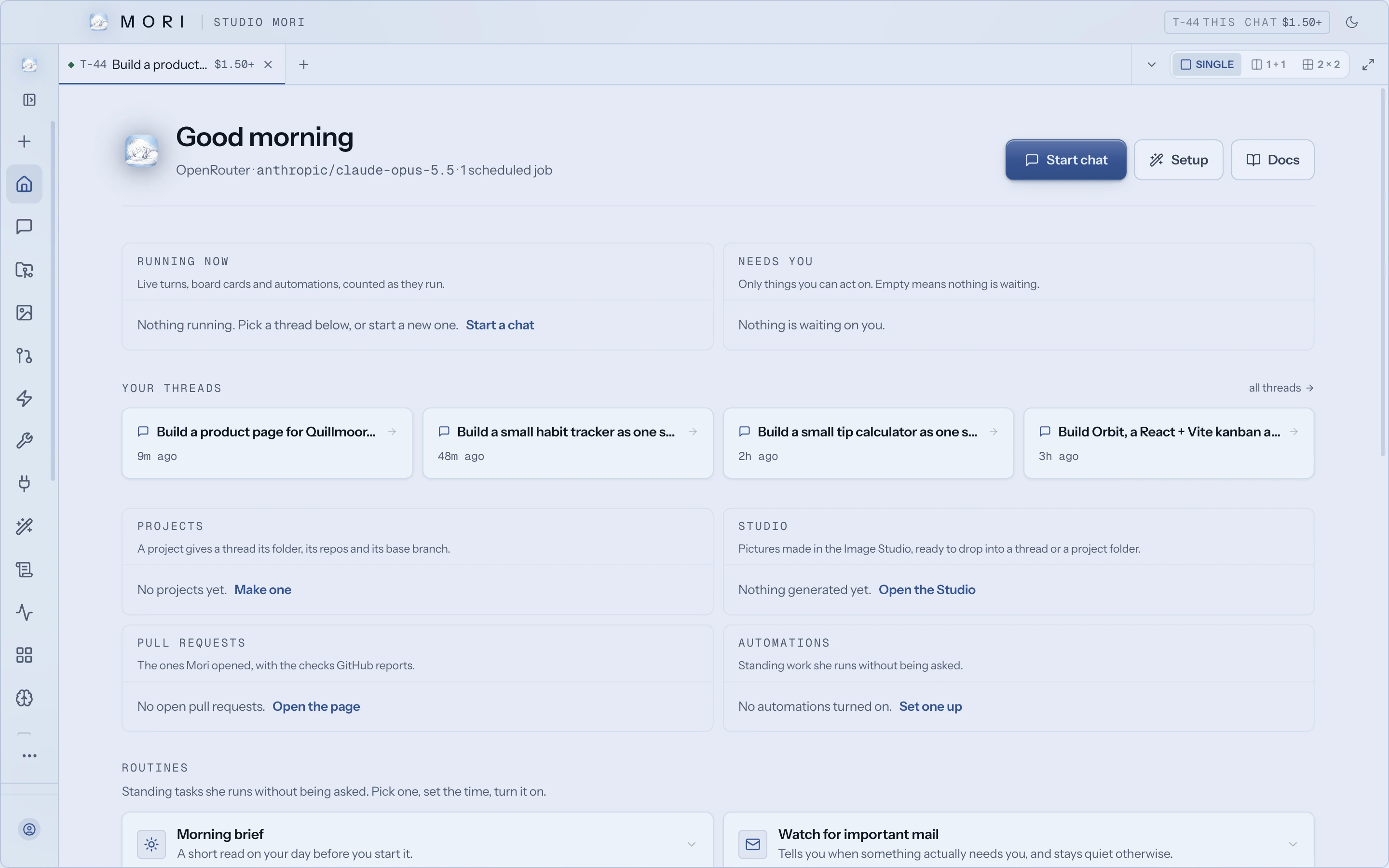
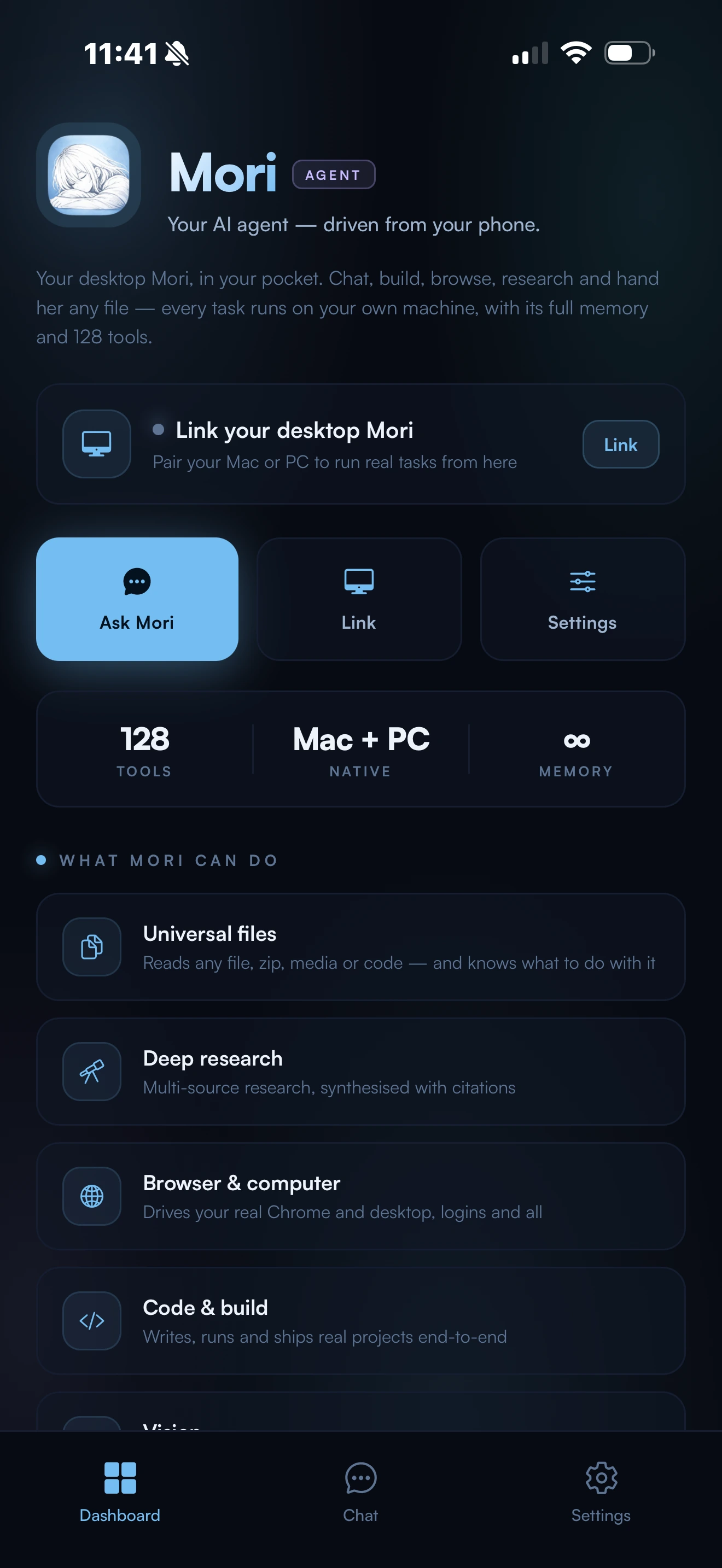
Everything the desktop can do.
Mori Link runs the agent on your computer, with every tool it has there. Whatever you would ask at the desk, ask from the couch.
Run the terminal
A real shell on your computer. Every line of output streams back to your phone.
Build real files
Ask for a project from the train. Come home to finished files on disk.
Drive the browser
Your real, signed in browser at home. Not a cloud VM pretending to be you.
Send mail and messages
Email with attachments through the Gmail signed in on your computer, and messages through the chat apps connected there.
See the screen
Ask for a screenshot and it lands straight in the chat.
One brain
The same memory and tools as the desktop. Pick up any conversation anywhere.
The same Mori, wherever you are.
Her memory follows you from the desktop to your phone. Pair once and both surfaces share one brain.
- Step 1
Get Mori Link
Free on the iOS App Store.
- Step 2
Generate the code
In Mori Link, open Chat, tap the desktop icon, and generate a 6-digit pairing code. Type it into the Mori Link page of the desktop app, on Mac or Windows.
- Step 3
Drive your computer
Chat, run tasks, and check results from anywhere. Same brain, same memory.